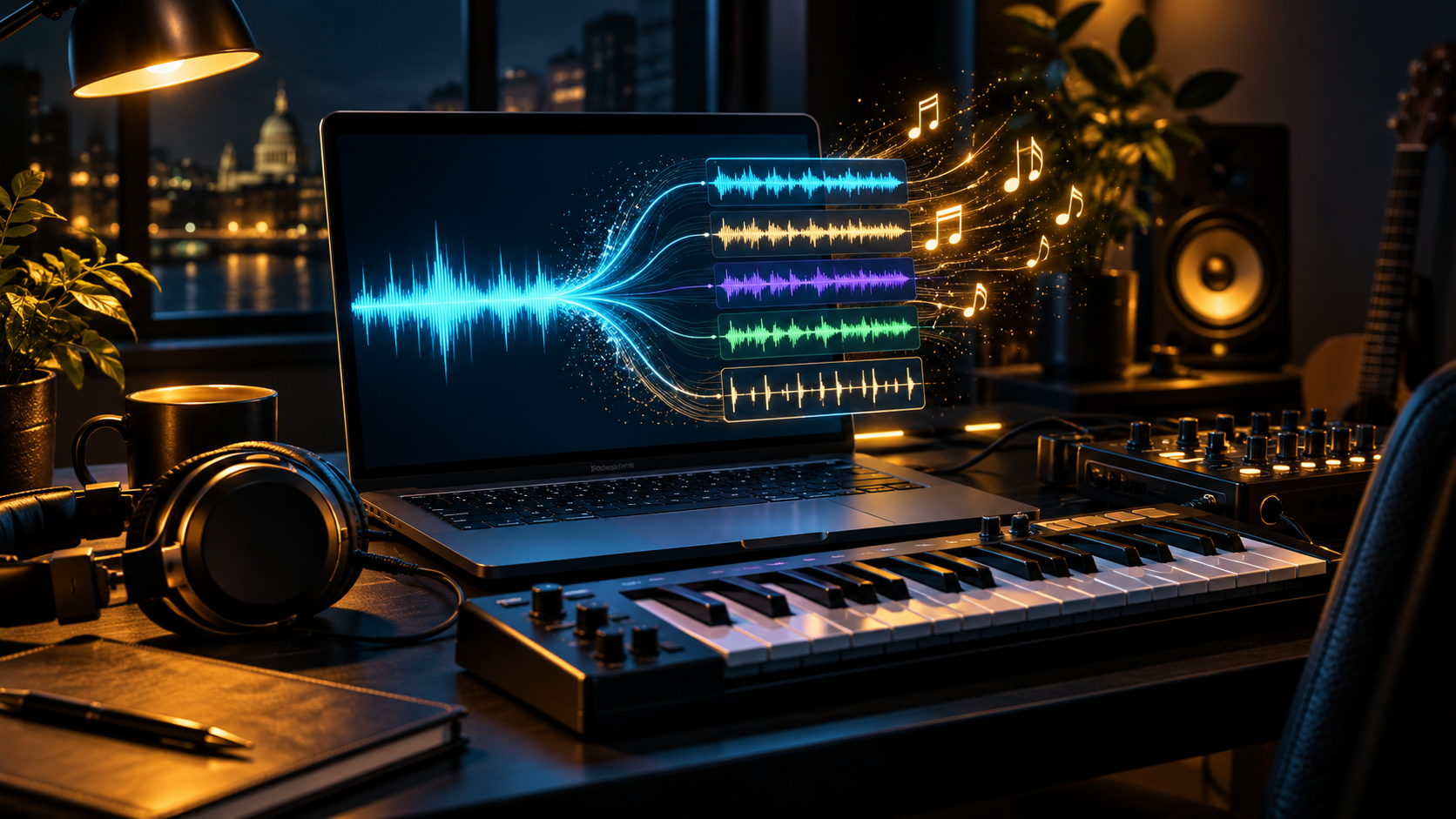
Suno has launched v6, a new generation of AI music models developed with Warner Music Group, BMG and Believe. It is a significant update for creators because it combines more precise song editing with text, audio, image and video prompts.
The launch includes three models: the flagship v6, the more experimental v6-wild and a free v6-mini. Suno says the new generation will replace its previous models as the rollout continues.
This is not a promise that every generated track is automatically safe to sell or publish. The useful opportunity is faster music prototyping under clear commercial-use rules, with a human checking the finished track and every source file.
What changed with Suno v6?
Confirmed fact: Suno announced v6 on 9 September 2026. The company says the models were developed with music-industry partners Warner Music Group, BMG and Believe, alongside stronger safeguards for uploaded audio and lyrics.
The practical change is control. Creators can ask Suno to alter one part of an existing song while preserving the rest, replace a single lyric, combine parts from several tracks, isolate a sample and build a beat around it.
Prompts are no longer limited to written descriptions. Suno says v6 can use text, audio, images and video as creative inputs. A short product video, mood board or voice memo can therefore become the starting point for a track.
- Edit individual song sections with plain-language instructions
- Change one lyric without rebuilding the full track
- Combine elements from several songs in one request
- Create from text, audio, images or video
- Move between precise and more experimental models
The three models and what they cost
Confirmed fact: v6 is the flagship model for Pro and Premier subscribers. Suno describes it as the precise option for a creator who already knows the result they want. v6-wild is available on the same paid plans and is intended to produce less predictable ideas.
v6-mini is available on the free plan. Suno's current pricing page lists 50 daily credits for free users, but the free plan has no commercial rights, no monthly song downloads and no stem separation.
At the time of checking, the annual-billing prices displayed by Suno were $8 per month for Pro and $24 per month for Premier, with taxes calculated at checkout. Both paid plans list commercial-use rights, but those rights remain subject to Suno's terms and the material used to create the track.
Why this matters to digital creators
Our analysis: AI music is moving from one-click generation towards a more editable production workflow. Being able to fix a chorus, swap one line or isolate a musical element is more useful than repeatedly generating complete songs and hoping one is close enough.
For a video creator, podcaster or small brand, that could shorten the route from an idea to a rough soundtrack. It could also make it easier to test several moods against the same video before paying for final production or choosing licensed library music.
The music-industry partnerships matter because they point towards a market where rights holders can choose to participate and share in new products. They do not remove the creator's responsibility to understand the licence attached to their own account and output.
Five practical ways to use it
Start with work where music supports a wider project rather than pretending a generated track is a finished business on its own. The clearest uses have a defined purpose, length and audience.
A product seller could make a rough soundtrack for a fifteen-second demonstration. A podcaster could test intro ideas. A local business could explore music for a short campaign, while a video editor could match the pace of a track to an existing clip using the video as an input.
Treat the first output as material to inspect and improve. A useful track should fit the edit, avoid unwanted similarities, sound clean on headphones and remain covered by the correct usage rights.
- Prototype music for Reels, Shorts and product videos
- Test podcast or YouTube intro ideas
- Build a temporary soundtrack before the final edit
- Turn a mood board or video clip into a musical direction
- Create supervised draft music for client approval
Licensed partners do not remove every rights question
Confirmed fact: Suno says v6 was developed with major music-industry partners. Axios reports that Suno's chief product officer said the training mix includes licensed Warner music and Suno user data. Participating artists are expected to have opt-in opportunities in future products.
That is different from saying every possible Suno output is cleared for every commercial use. Suno's free plan explicitly excludes commercial rights, and its pricing page tells users to check the terms for limitations on commercial use.
Existing disputes also matter. Other artists and rights holders have continued legal challenges involving AI music, training material and the imitation of identity or style. Do not prompt for a living artist's voice, name or recognisable signature sound and assume a new model version makes that safe.
The risks and limitations
The first risk is publishing under the wrong plan. A free tool can be suitable for private testing while still being unsuitable for a monetised video, advert, client job or paid product.
The second risk is source material. Only upload audio, lyrics, voice recordings, images or video that you own or have permission to use. A paid subscription cannot grant rights you never had in the input.
The third risk is quality. A hands-on review by The Verge found that v6 followed genres more accurately but still produced recognisable AI artefacts, particularly in vocals, and sometimes ignored requests for intentional imperfection. Suno's own performance claims should therefore be tested against your real project.
- Free-plan tracks do not include commercial rights
- Uploaded material still needs permission
- Artist imitation can create legal and platform risk
- Vocals and detailed instructions can still fail
- Distribution platforms may apply separate AI-content rules
A simple 30-minute test
Choose one real but low-risk project, such as a private draft soundtrack for a fifteen-second product video. Write down the required mood, length, instruments and section changes before opening the tool.
Generate three short ideas with v6-mini, then choose one and note the exact edits you would request. If you need to publish or monetise the result, stop and check the paid-plan rights and Suno's current terms before creating the final version.
Score the result for fit, audio quality, editing time, originality and licence clarity. Keep it only if the complete checked workflow is genuinely faster than your current music source.
- Use only material you created or control
- Define the job before generating anything
- Compare three ideas against the same brief
- Check the licence before commercial use
- Record the prompt and final human edits
COMMON BEGINNER QUESTIONS
Is Suno v6 free?
Suno provides v6-mini on its free plan. The main v6 and v6-wild models require a Pro or Premier subscription.
Can I use music from the free Suno plan commercially?
No. Suno's pricing page says the free plan does not include commercial rights. Check the current terms before publishing or selling any track.
Can Suno v6 use a video as a prompt?
Yes. Suno says v6 can create from text, audio, images and video, as well as combine several sources in one workflow.
Does licensed training make every Suno track copyright-safe?
No. Industry partnerships do not replace plan rules, permissions for your inputs or the separate policies of distributors and social platforms.
What should a small creator test first?
Try one private, low-risk soundtrack draft for a real short video. Compare three ideas, request precise edits and check the commercial licence before publishing.
Loading comments...