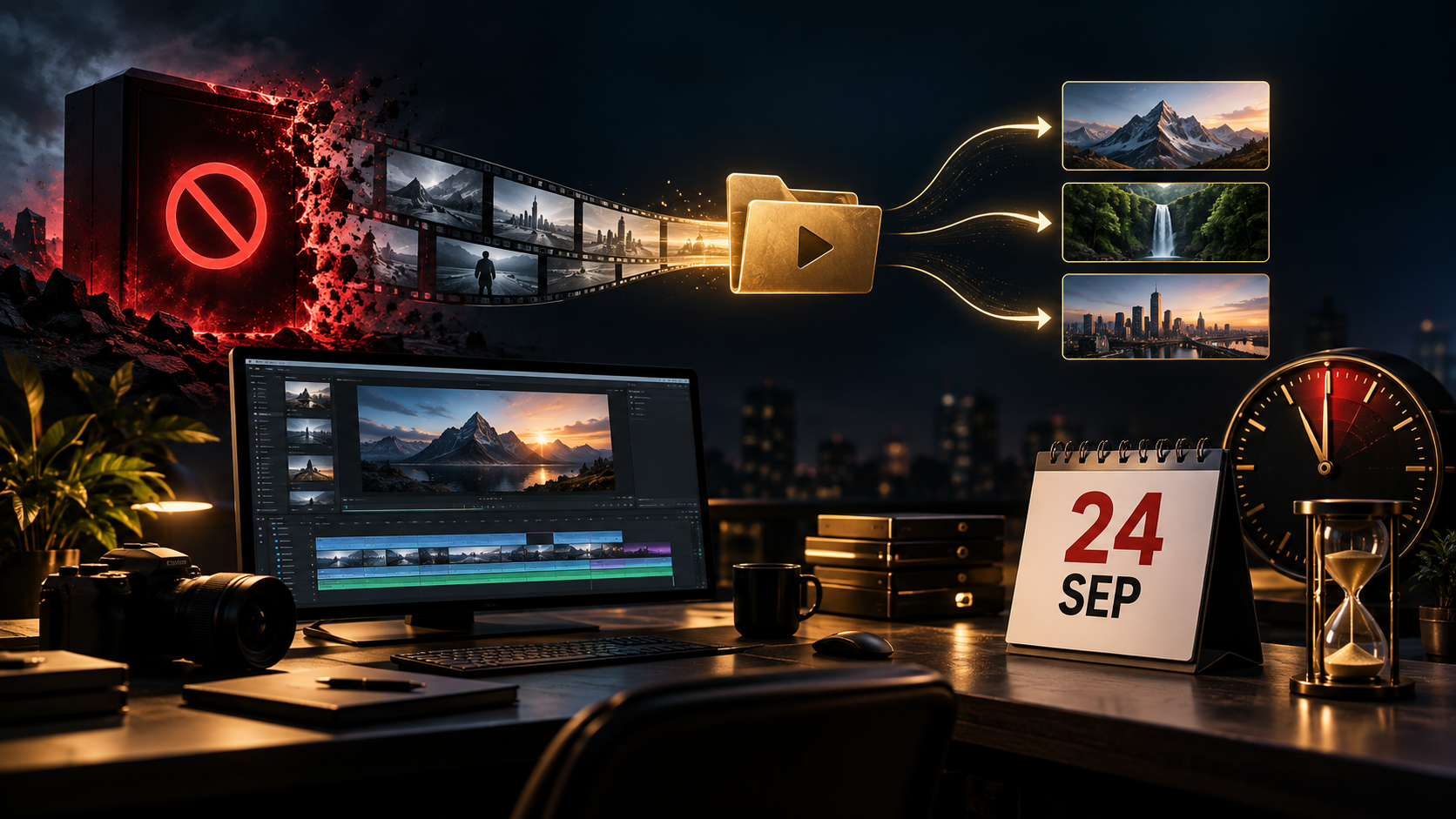
OpenAI's Sora API and every Sora 2 model in the Videos API are scheduled to shut down on 24 September 2026. That gives creators, agencies and small businesses just ten days to find any hidden dependencies and protect active AI video workflows.
OpenAI's official deprecation table lists no recommended replacement. This does not mean every AI video tool will stop working, but an automation or third-party service that still depends on Sora 2 could lose an important part of its workflow when the endpoint closes.
The sensible response is not a rushed subscription purchase. Export what matters, map exactly where Sora is used, test alternatives against the same brief and keep a manual fallback until the replacement has proved reliable.
What exactly is shutting down?
Confirmed fact: OpenAI's developer documentation says the Videos API and Sora 2 models will shut down on 24 September 2026. The affected model names are sora-2, sora-2-pro, sora-2-2025-10-06, sora-2-2025-12-08 and sora-2-pro-2025-10-06.
The API supported creating videos from text, guiding a result with an image reference, using reusable character assets, extending or editing clips, downloading completed files and managing batch queues. Sora 2 and Sora 2 Pro could generate 16- or 20-second clips, while the Pro model also supported higher-resolution output.
The Sora web product and mobile app were discontinued earlier, on 26 April 2026. The September deadline is specifically important to developers and businesses using the API, plus customers of third-party tools that may rely on it behind the scenes.
- Shutdown date: 24 September 2026
- Affected service: OpenAI Videos API
- Affected family: Sora 2 and Sora 2 Pro API models
- Official replacement listed by OpenAI: none
- Earlier Sora web and app closure: 26 April 2026
Why this matters to creators and small businesses
Our analysis: the biggest risk is not losing access to a familiar prompt box. It is discovering too late that Sora sits inside a client service, scheduled content pipeline, no-code automation or custom application that somebody assumed would keep running.
A workflow can fail at several points: the request that starts a generation, the job-status check, the callback that collects the result, the download step or the logic that passes a clip into an editor. Replacing the model name alone may not repair differences in file formats, timing, safety rules or output dimensions.
Creators who used the earlier Sora app should also check the official sunset page and export remaining content as soon as possible. OpenAI warns that Sora data will be permanently deleted after the final export window, if a further window is offered.
The opportunity: sell continuity, not another AI promise
A forced migration creates useful work for people who can make AI video systems dependable. A freelancer or small agency could offer a fixed-price workflow audit: identify the dependency, preserve assets and settings, test replacement services, document the new process and monitor the first live jobs.
That is a clearer offer than vaguely promising AI transformation. The customer receives a specific result—a video workflow that still operates after 24 September—plus a record of what changed and how to switch providers again later.
Inside your own business, this is also a chance to remove waste. If a Sora-based workflow produced little usable output, retire it. If it is valuable, rebuild it so the generation provider can be changed without rewriting the entire publishing process.
- Audit creator and agency video automations
- Document prompts, settings and output requirements
- Build provider-neutral hand-off steps
- Test replacement quality with a repeatable brief
- Offer short-term monitoring after migration
How to compare a replacement properly
OpenAI has not named an official successor in its deprecation table, so there is no responsible one-click recommendation for every user. Start with requirements rather than a viral demonstration.
Write down the aspect ratios, duration, resolution, audio, reference-image controls, editing features, turnaround time and commercial-use terms your real work needs. Then run one fixed prompt and the same source assets through three credible candidates. Record the total cost and time required to produce one clip you would actually publish—not merely the advertised generation price.
Check the API documentation before judging the pictures. A visually impressive service may still be unsuitable if it lacks stable job polling, predictable output URLs, sensible rate limits, a testing environment or clear rules for customer material.
- Quality and consistency across repeated generations
- Actual cost per usable, publishable clip
- Supported duration, resolution and aspect ratio
- Reference images, character continuity and editing controls
- API limits, queues, callbacks and error handling
- Commercial terms, privacy and content retention
The risks and limitations
The first risk is panic-buying a replacement. An annual plan can look cheaper while locking the business into a tool that fails its real workflow. Use a small controlled test and keep the commitment short until output quality and reliability are measured.
The second risk is rights and privacy. Generated-video providers differ in what they allow, retain and use for improvement. Check current terms before uploading client faces, unreleased products, customer data or licensed reference material.
The third risk is output drift. Even when two services accept similar prompts, camera movement, character consistency, lip movement and safety filtering can change the result. Update client expectations and quality checks instead of pretending the new system is identical.
Finally, no cloud API is permanent. Keep original images, approved scripts, prompts, settings and final masters outside the generation service so the next supplier change is an inconvenience rather than a business emergency.
A practical 60-minute migration plan
Spend the first 15 minutes searching code, automation tools and internal notes for sora-2, sora-2-pro and the Videos API. Ask every third-party AI video supplier a direct question: does any feature I use depend on OpenAI's Sora API, and what happens after 24 September?
Use the next 15 minutes to export existing Sora content and save the original prompts, reference images, model settings, job metadata and finished files in a folder you control. Do not assume a generation history is a permanent archive.
Then list the five requirements your replacement must satisfy and test the same brief with up to three candidates. Use the final 15 minutes to choose a temporary route, add a manual fallback, set an alert for failed jobs and schedule one live test before the shutdown date.
- Search every workflow for Sora model names and video endpoints
- Confirm hidden dependencies with third-party suppliers
- Export assets, prompts, settings and completed files
- Run one identical test across shortlisted alternatives
- Add failure alerts and keep a manual production route
COMMON BEGINNER QUESTIONS
When does the Sora API shut down?
OpenAI says the Videos API and Sora 2 API models will shut down on 24 September 2026.
Which Sora models are affected?
The listed models are sora-2, sora-2-pro and their dated snapshots: sora-2-2025-10-06, sora-2-2025-12-08 and sora-2-pro-2025-10-06.
Has OpenAI named a replacement for Sora 2?
No. OpenAI's current deprecation table shows no recommended replacement for the Videos API or the affected Sora 2 models.
Will every AI video tool stop working?
No. Only services that use the affected OpenAI API directly or indirectly are at risk. Ask your supplier whether any feature depends on Sora 2.
What should creators do first?
Export important Sora content, save prompts and source assets, then search all automations and code for the affected model names before testing alternatives.
Loading comments...